
 One photo · one chosen role
01Replace one or more photos
Choose who joins the band
Upload a clear photo to any role you want to change. Replace just yourself or bring your friends; the default animals fill the other spots.
Put yourself, your friends or your pets in the band. Replace one performer or all five—the default animals fill the remaining roles.

Outstand Studio · Cast your session
Lead, keys, two backing singers and sax.
JPG, PNG or WebP · max 20 MB each · originals or consenting adults
Each photo belongs to one role. Keep the other animals, or replace them too. AI likeness, hands and lip sync can vary; review your video before sharing.
Checking generation availability…
Performance reference
Reference video · 17.6 seconds.
Your finished video and download button will appear here. Save your video before starting again.
Your cast. One little stage.
A familiar song, a small room and a band with a personality all its own. Prepare a desk-session parody with a lead, a keyboardist, two backing singers and a sax player, starting with five default animal photos. NPR describes the concert format as Intimate video performances
in its Tiny Desk project description. The musical context is NPR Music’s Charlie Wilson: Tiny Desk Concert, published June 5, 2023.
Replace one performer or the whole cast with original characters, your pets or consenting adult friends. Keep the remaining default animals. The reference supplies the shot order and performance; your photos define the cast. Always review the result before sharing. Use the Outstanding Tiny Desk AI template for the cast list and copyable prompt.
An 8-second clip is a shorter introduction, covering the band and lead-vocal moment. The 15-second option continues into the saxophone close-up. Choose the length for the moment you want to share, rather than adding people to every shot. Both options use the reference’s original cuts and keep each role tied to its own photo. Keeping default animals makes it possible to personalize one performer without finding four more portraits.
Read the Tiny Desk AI trend explained, follow how to make an Outstanding Tiny Desk AI video, or try the free cast preview before choosing a paid video.
 Lead
Lead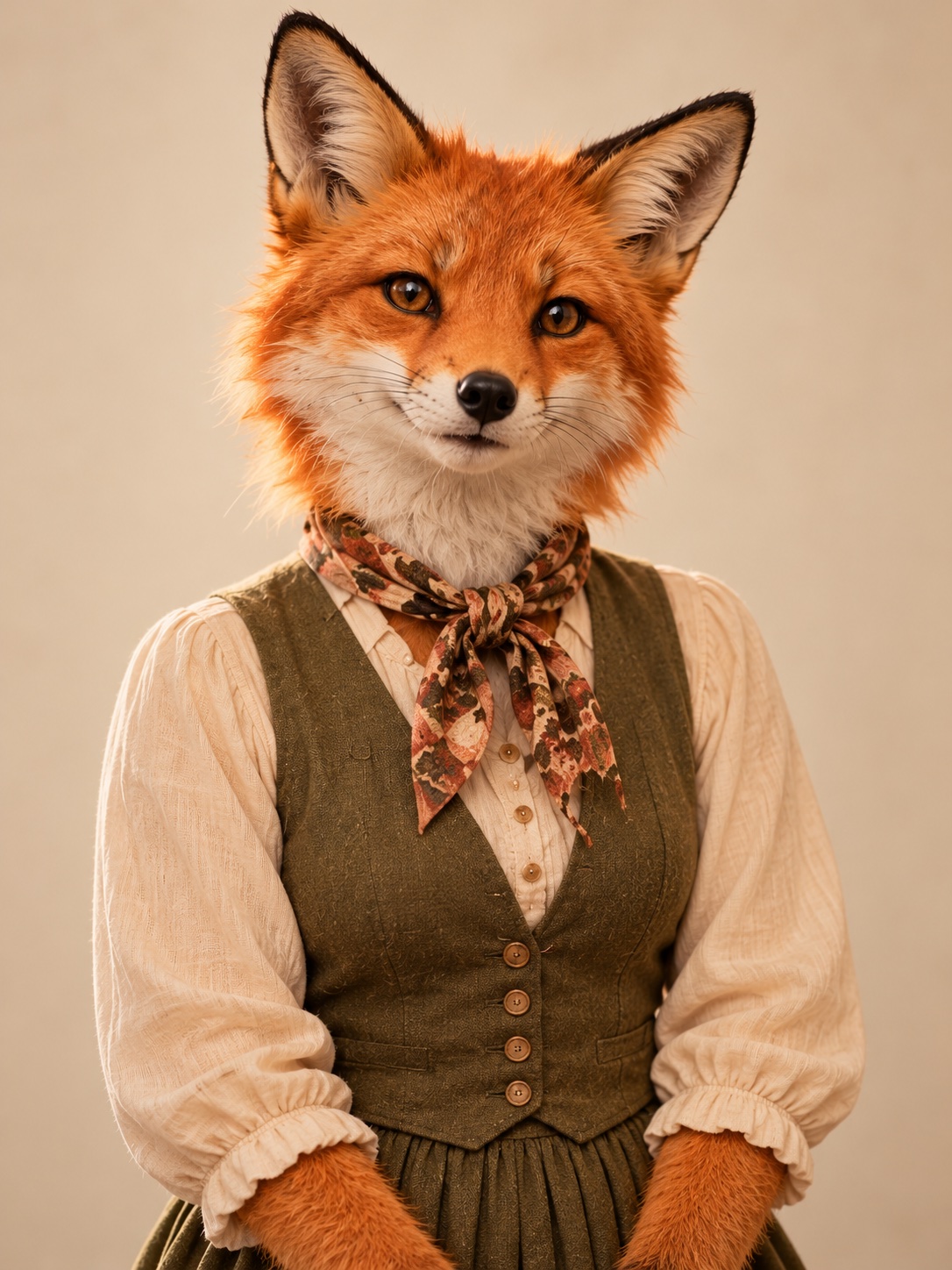 Keys
Keys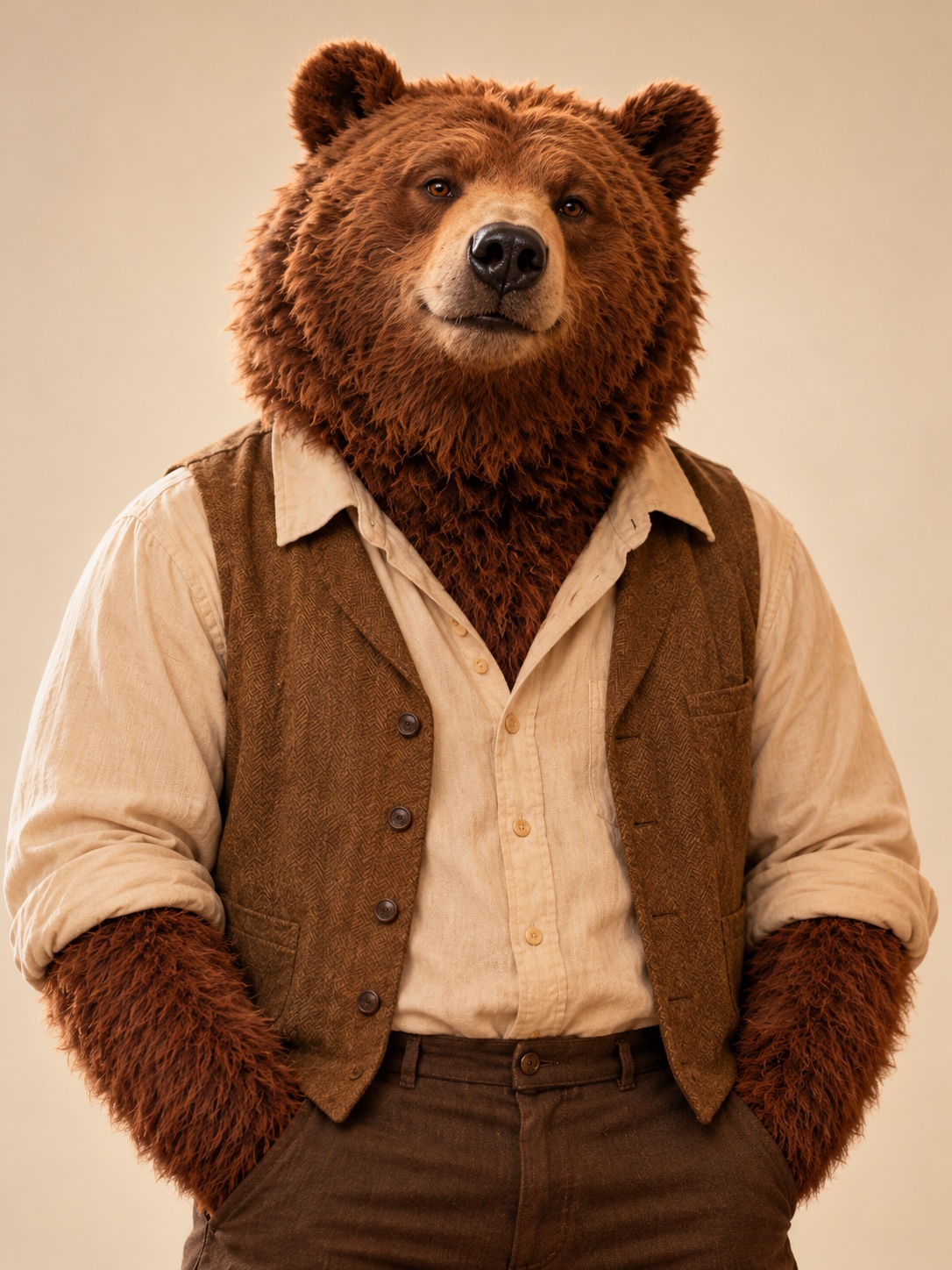 Back left
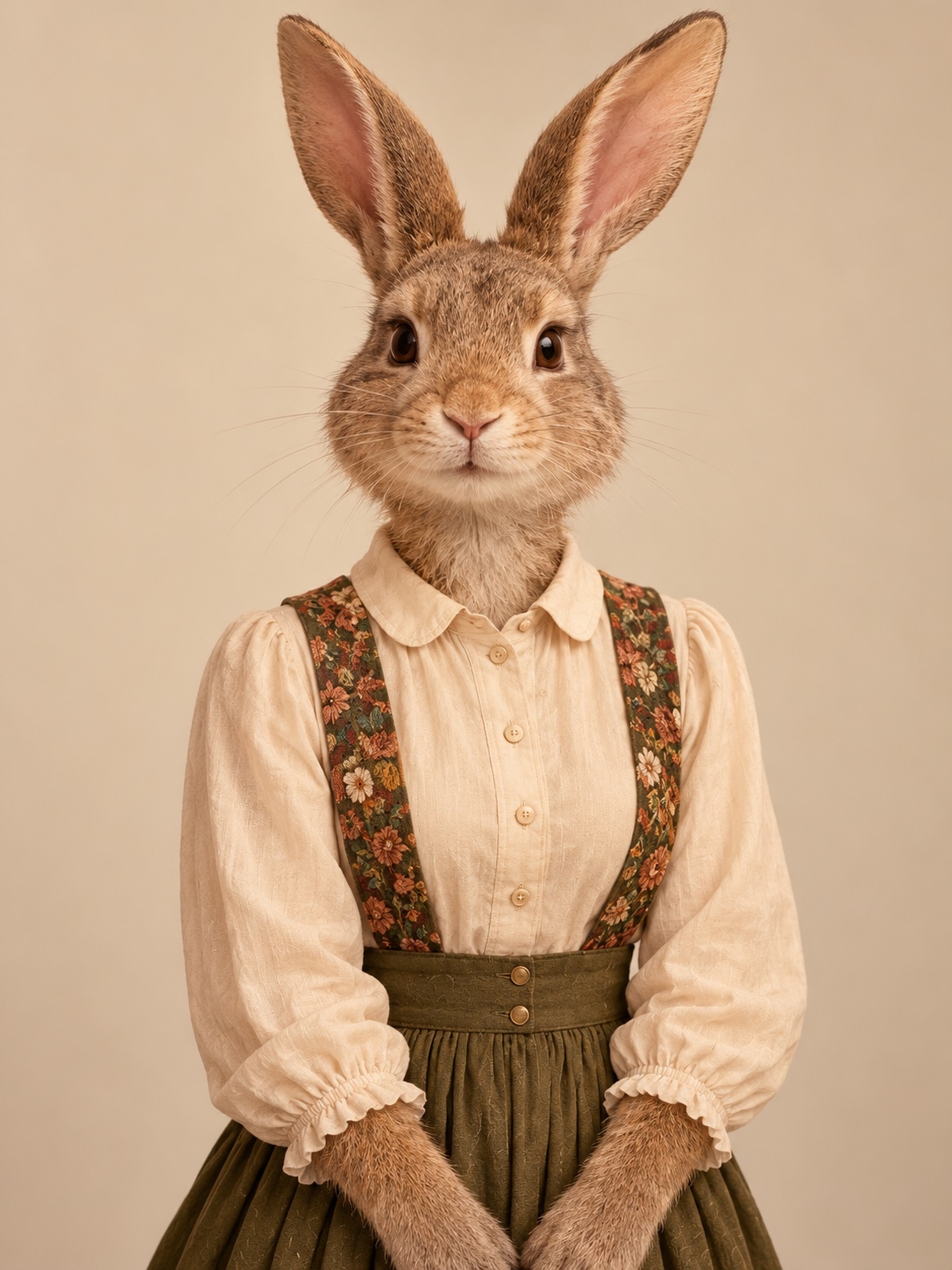 Back right
 Sax
SaxHow it works
One photo · one chosen roleUpload a clear photo to any role you want to change. Replace just yourself or bring your friends; the default animals fill the other spots.
Reference · band → lead → saxPick 8 seconds for the band and lead close-up, or 15 seconds to include the saxophone close-up. Choose your format and review the price before generating.
When your video is ready, check the faces and movements, then download the MP4 with sound. The default vertical format is ready for your next post or group chat.
Before you upload
Give each performer their own image. Avoid group photos or several faces in the same frame.
Choose a sharp, well-lit image with the face visible. Avoid blur, heavy shadows and covered faces.
Different faces and outfits make your band easier to tell apart. Keep each character’s appearance easy to see.
Use photos you have permission to process. Identifiable people must be consenting adults.
Credit packs
2 credits
4 credits
20 credits
30 credits
Before you cast
A five-member desk-session edit: a lead singer, a keyboardist, two backing singers and a saxophonist in an intimate room. This independent AI parody tool is not affiliated with NPR, Tiny Desk Concerts, Charlie Wilson or The Gap Band.
No. The five animal roles are already filled in. Replace just one photo or as many as you like; the remaining animals stay in the band. Use one clear subject per replacement photo. Avoid group photos, side profiles and sunglasses.
Yes. Use your own fictional characters or photos you have permission to process. Identifiable real people must be consenting adults. Review AI identity matching before sharing.
Choose an 8- or 15-second clip at 720p. The default is 9:16; 16:9, 3:4 and 4:3 are also available.
Yes. The video workflow uses the matching reference audio for your chosen length. Photos change appearances; they do not clone your voice. Buying a video does not grant music, artist or performance rights.
Generation time varies with demand. Follow your progress on the result page and keep your task link to return to the same video.
Guests purchase one video. Signed-in accounts use one-time credit packs. Review the final price before confirming a purchase. Keep your task or order ID for payment and generation support.
A technical generation failure returns the reserved account credits, or triggers a refund for a paid guest video. Check the task for its settlement status. Keep your task or order ID if support is needed.
Purchases are one-time, with no subscription. Browsing the guide and preparing photos are free. Generating a video uses account credits or a one-time guest payment.